Most business owners know their website isn't working. They just don't know what to do about it, because the alternative feels worse: a big upfront bill, weeks of downtime, and the risk of losing whatever traffic and rankings the old site had built up. So the outdated site stays online — slow, dated, quietly costing them customers every single day — because relaunching feels riskier than staying put.
It doesn't have to be that way. Here's what actually happens during a website relaunch, what it should cost, and how to do it without losing what you've already built.
The warning signs it's time
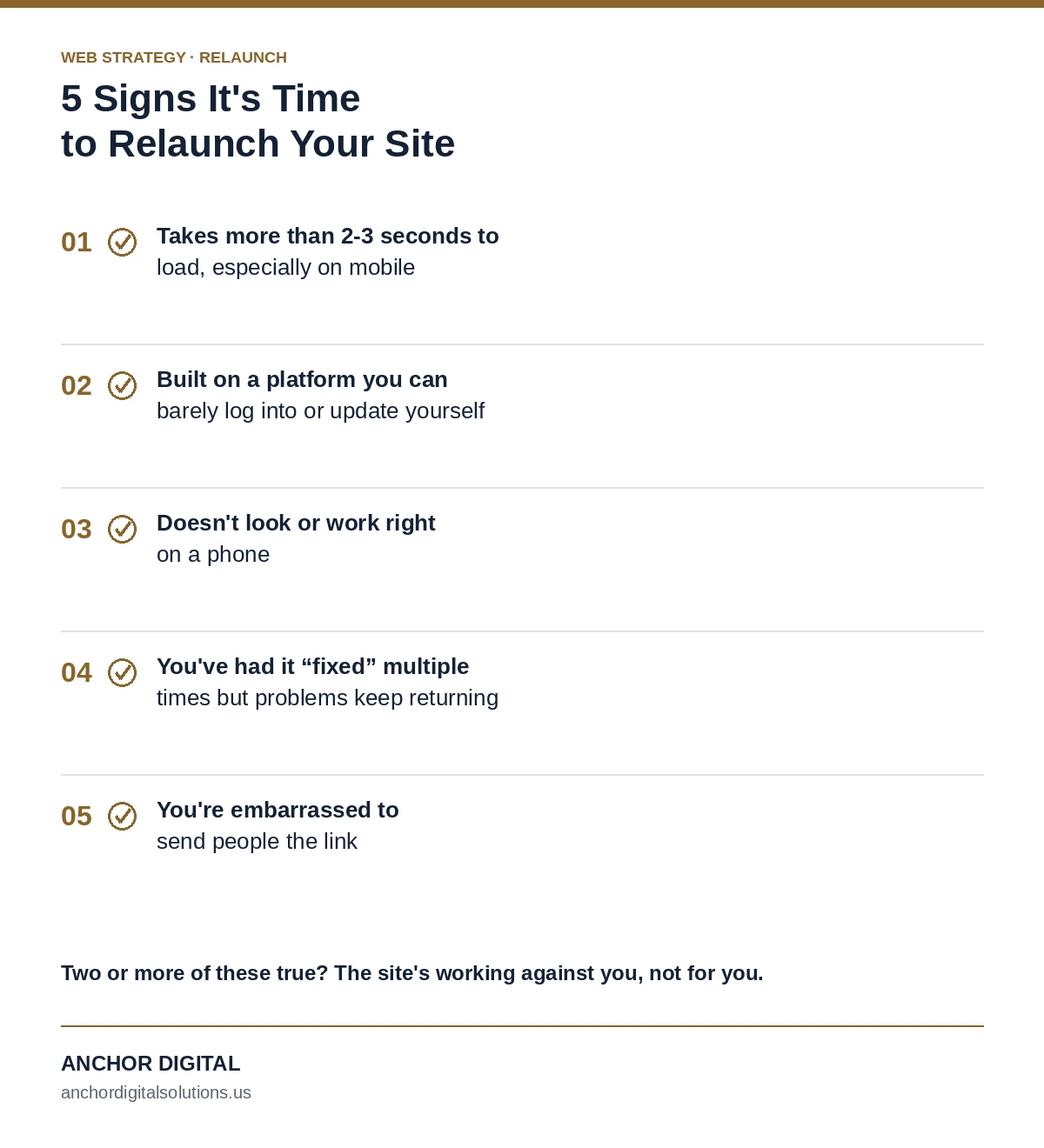
A few honest signals that a relaunch is overdue, not just a nice-to-have:
- The site takes more than 2-3 seconds to load, especially on mobile
- It was built on a platform you can barely log into or update yourself
- It doesn't look right — or doesn't work right — on a phone
- You've had it "fixed" multiple times but the core problems keep coming back
- You're embarrassed to send people the link
If two or more of these are true, the site is actively working against you, not for you.
What a relaunch actually involves
1. Auditing what's already there
Before anything gets rebuilt, a proper relaunch starts by cataloging what's actually working on the current site — which pages rank, which URLs have backlinks pointing to them, what content is genuinely useful. A relaunch that ignores this and starts from a blank slate can accidentally throw away years of accumulated SEO value.
2. Preserving SEO equity through the transition
This is the step most DIY relaunches get wrong. Every URL that changes needs a proper 301 redirect to its new equivalent — done incorrectly (or skipped), and every backlink and ranking position pointing to the old URL evaporates overnight. Done correctly, most of that equity carries forward to the new site within a matter of weeks.
3. Rebuilding with intention, not just a fresh coat of paint
A relaunch is the moment to fix everything that's been bothering you for years — the confusing navigation, the missing service pages, the slow-loading image gallery — not just reskin the same structure with new colors.
What it should cost
Pricing for a relaunch tracks the same logic as a new build — complexity drives cost, not page count. A straightforward relaunch of a small business site typically runs the same range as building new: $500–$3,500 depending on scope, since most of the actual work (design, content restructuring, technical SEO, redirect mapping) is comparable to building fresh, just with an existing brand and content library to work from instead of starting blank.
The $0-down path
For businesses where the upfront cost is what's actually holding things back, there's a simpler option: relaunch now, $0 down, and roll the cost into a monthly Care Plan instead of one lump bill. You get the new site live immediately — faster, better-looking, properly optimized — and pay for it the same way you'd pay for any other recurring business expense. No big bill blocking the decision, and you're never locked in: cancel anytime, or buy out full ownership whenever you're ready.
How long it actually takes
For most small business relaunches, expect somewhere between one and four weeks from kickoff to launch, depending on how much content needs rewriting and how many rounds of revisions you want. The old site stays live the entire time — there's no downtime, no "under construction" page. The switch happens the moment the new one is ready.
Still running an old, slow site?
We'll tell you honestly whether it needs a relaunch or just a few fixes — and what either one would cost.
Get a Free Consultation